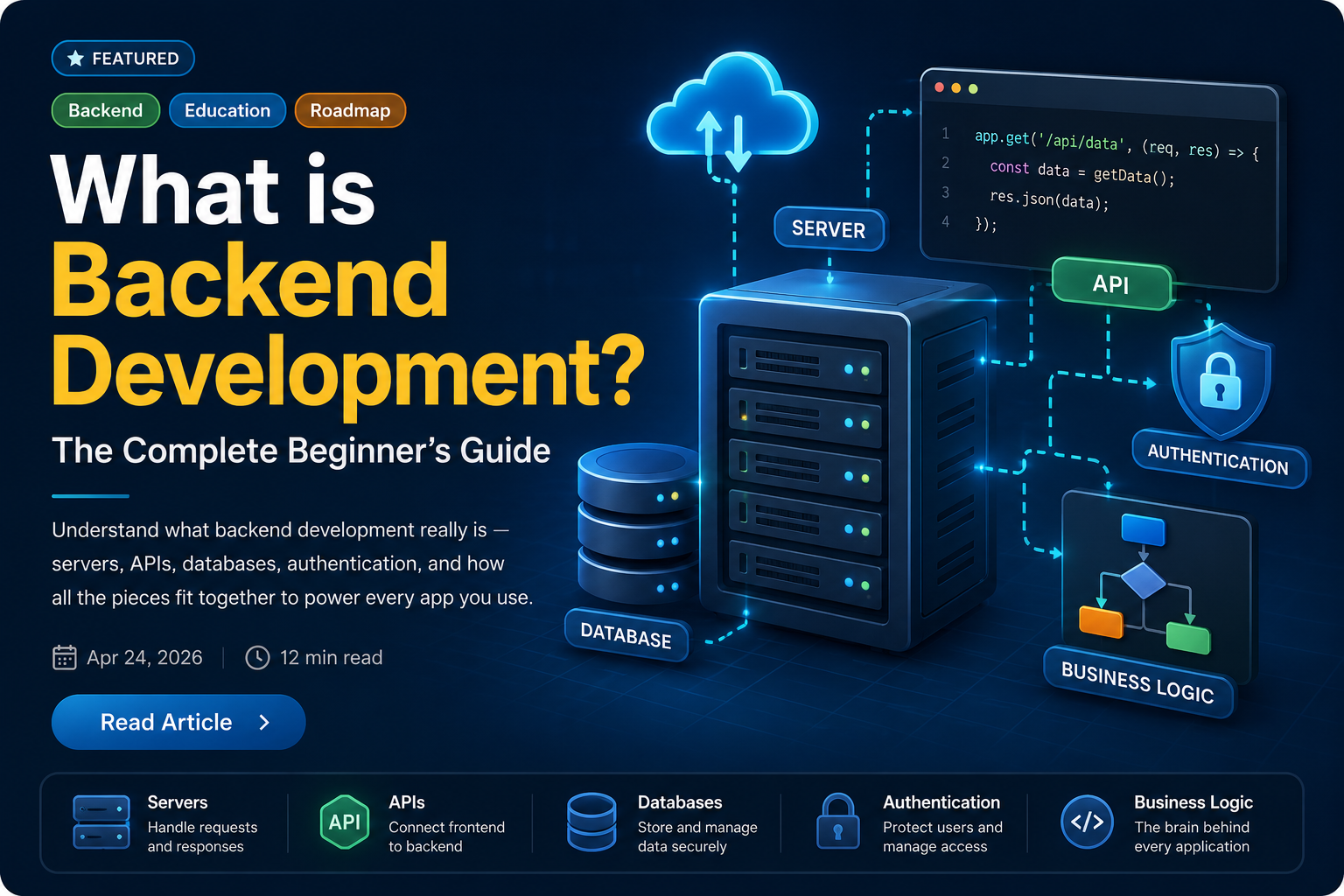
Every app you use — Instagram, Google, your bank's mobile site — has two sides. There is the part you see and touch: buttons, screens, animations. Then there is everything hidden behind it: the logic that checks your password, the database that holds your photos, the server that decides what you are allowed to do. That invisible engine is the backend. This guide explains what the backend is, what it does, why it matters, and what you need to start building it.
Frontend vs Backend: The Real Difference
Most people hear "frontend" and "backend" thrown around together. Here is the simplest way to separate them:
- Frontend is what runs in the user's browser or device. It handles layout, interactions, and visuals. Technologies: HTML, CSS, JavaScript, React, etc.
- Backend is what runs on a server. It handles business logic, data storage, security, and integrations. Technologies: Node.js, Java, Python, Go, etc.
When you tap "Login" on an app, the frontend collects your email and password and sends them somewhere. That "somewhere" is the backend — a server that receives the data, verifies it against a database, creates a session, and sends back a response the frontend can act on.
The frontend is the face of the application. The backend is the brain.
What Does a Backend Actually Do?
Backend systems handle at least five core responsibilities in almost every real application.
1. Handle requests and send responses
Every time a user does something — loads a page, submits a form, clicks a button — a request travels from their device to your server. The backend receives that request, figures out what to do, and sends back a response. This cycle is the heartbeat of every web application.
GET  /api/posts          → return a list of blog posts
POST /api/posts          → create a new blog post
GET  /api/posts/42       → return a single post by id
PUT  /api/posts/42       → update that post
DELETE /api/posts/42     → delete that post
These are called API endpoints. They are the contract between the frontend and the backend.
2. Store and retrieve data
Backends almost always talk to a database. When you save a message, upload a photo, or place an order, that data needs to live somewhere reliably so it can be retrieved later — even after a server restart, even across multiple devices.
- Relational databases (PostgreSQL, MySQL) store structured data in tables with relationships.
- Document databases (MongoDB) store flexible, JSON-like documents.
- Key-value stores (Redis) are used for fast caching and session storage.
3. Authenticate and authorise users
Authentication answers "who are you?" Authorisation answers "what are you allowed to do?" The backend is responsible for both. It verifies credentials, issues tokens, and enforces rules about which users can access which resources.
// A protected route in Express
app.get("/api/profile", requireAuth, (req, res) => {
  res.json({ user: req.user });
});
Without the backend enforcing these rules, any user could read anyone else's data — a fundamental security failure.
4. Run business logic
Business logic is the set of rules that make your application behave correctly. It includes things like: "A user can only place an order if items are in stock", "A free account can have at most 5 projects", or "Send an email when a payment is confirmed." This logic must live on the server — if it lived only on the frontend, users could bypass it entirely.
5. Integrate with external services
Real applications rarely run in isolation. They call payment gateways, email services, cloud storage APIs, SMS providers, and third-party data feeds. The backend is where all these integrations are managed securely, using API keys that never reach the user's browser.
The Client-Server Model
Understanding the client-server model is essential. A client is anything that sends a request — a browser, a mobile app, another server, a CLI tool. A server listens for those requests, processes them, and sends responses back.
Client (browser/app)
    │
    │  HTTP Request: GET /api/users/1
    ▼
Server (your backend)
    │
    │  Reads from database, applies logic
    ▼
Client receives: { "id": 1, "name": "Asha", "email": "asha@example.com" }
This pattern — request, process, respond — repeats millions of times per day on any production system. Scaling, caching, and reliability are all about making this cycle faster and more resilient.
What Is an API?
API stands for Application Programming Interface. In backend development, it usually refers to a set of HTTP endpoints that a server exposes so that clients (or other services) can communicate with it.
The most common style today is REST (Representational State Transfer), which
maps actions to HTTP methods: GET for reading, POST for creating,
PUT/PATCH for updating, and DELETE for removing resources.
# Fetch a list of users
curl https://api.example.com/users

# Create a new user
curl -X POST https://api.example.com/users \
  -H "Content-Type: application/json" \
  -d '{"name": "Rahul", "email": "rahul@example.com"}'
APIs are what make modern apps composable. Your mobile app, web app, and third-party integrations can all talk to the same backend through the same API — each getting exactly the data they need.
What Does a Backend Look Like in Practice?
Here is a minimal but real example: a Node.js server with Express that exposes two API routes. This is a backend you could run and test on your machine in under five minutes.
// server.js
import express from "express";

const app = express();
app.use(express.json());

const users = [
  { id: 1, name: "Asha" },
  { id: 2, name: "Rahul" }
];

// GET all users
app.get("/api/users", (req, res) => {
  res.json(users);
});

// GET a single user by id
app.get("/api/users/:id", (req, res) => {
  const user = users.find(u => u.id === Number(req.params.id));
  if (!user) return res.status(404).json({ error: "Not found" });
  res.json(user);
});

app.listen(3000, () => console.log("Server running on port 3000"));
This server receives HTTP requests, applies logic (find the user or return 404), and sends JSON responses. That is backend development in its most distilled form.
The Backend Tech Stack
A tech stack is the combination of technologies used to build and run an application. For backend development, a typical stack includes:
Language and runtime
The language you write your server logic in. Popular choices and where they shine:
- Node.js (JavaScript) — fast to start, huge ecosystem, great for APIs and real-time apps. See the complete Node.js guide →
- Java (Spring Boot) — battle-tested, enterprise-grade, strongly typed. See the Spring Boot guide →
- Python (Django / FastAPI) — readable, popular in data science and AI-adjacent services.
- Go — compiled, fast, excellent concurrency model for high-throughput services.
Framework
Frameworks give you routing, middleware, and request handling out of the box so you don't build everything from scratch. Express for Node, Spring Boot for Java, FastAPI for Python, and Gin for Go are common choices.
Database
Where your data lives permanently. The choice depends on your data shape and access patterns. PostgreSQL is a safe default for most relational data. MongoDB suits document-heavy or flexible schemas. Redis handles session storage and caching extremely well.
Containerisation
Docker packages your backend and all its dependencies into a portable container that runs the same way everywhere — on your laptop, in CI, and in production. Modern backend development almost always involves containers. See the complete Docker guide →
Version control
Git tracks every change to your codebase. GitHub (or GitLab) hosts that code and enables team collaboration through pull requests, code reviews, and CI pipelines. See the Git & GitHub guide →
How a Request Flows Through a Real System
Let's trace what happens when a user logs into an app. This is a simplified but accurate picture of a real backend flow:
1. User enters email + password → clicks "Login"
2. Frontend sends: POST /api/auth/login  { email, password }
3. Backend receives the request
4. Backend queries the database: SELECT * FROM users WHERE email = ?
5. Backend compares the submitted password against the stored hash
6. If valid → backend creates a JWT (JSON Web Token) and returns it
7. Frontend stores the token and attaches it to future requests
8. On the next request, backend verifies the token before allowing access
Each of these steps is handled on the server, invisible to the user. Skipping or mishandling any step is how security vulnerabilities happen.
Why Backend Development Matters
Frontend code runs in an environment you cannot fully control — the user's browser. That means it can be inspected, modified, and bypassed. The backend is the only place where you can:
- Enforce real security rules that users cannot override.
- Keep API keys, database credentials, and secrets out of the client.
- Guarantee data integrity with validation and transactions.
- Control access to sensitive data based on roles and permissions.
- Run expensive computations without depending on the user's device.
Any rule enforced only on the frontend is not a real rule. The backend is where trust is established.
Common Backend Responsibilities at a Glance
- Routing — deciding which code runs for each incoming request.
- Middleware — reusable layers that handle auth, logging, rate limiting, and CORS before the main handler runs.
- Controllers — functions that translate an HTTP request into a business action.
- Services — where business logic lives, separate from HTTP concerns.
- Models / ORM — the layer that maps your code objects to database tables.
- Migrations — versioned changes to the database schema, tracked in code.
- Background jobs — work that happens outside of a request cycle, like sending emails or resizing images.
- Caching — storing computed results in Redis so the database isn't hit on every request.
- Health checks and observability — endpoints and logging that let you monitor whether the service is alive and performing correctly.
The Backend Developer's Mindset
Good backend developers think differently from frontend developers — not better or worse, just differently. A few habits that matter most:
- Assume the client lies. Always validate input on the server. Never trust what the frontend sends.
- Design for failure. Databases go down, third-party APIs time out, disk fills up. Handle these cases explicitly.
- Think in data. Understand the shape and access patterns of your data before choosing how to store it.
- Security is not optional. Auth, input validation, rate limiting, and secret management are not features to add later.
- Performance is observable. Slow queries, high memory usage, and blocked event loops all show up in production. Learn to spot and fix them.
What's Next?
If this post gave you a clear picture of what the backend is and why it exists, the natural next step is to pick a language and start building. This blog's guides take you from zero to a real working backend with each tool:
- Node.js Complete Guide — if you want to build APIs in JavaScript.
- Spring Boot Getting Started — if you prefer Java and enterprise patterns.
- Docker Complete Guide — to containerise and ship your backend reliably.
- Git & GitHub Complete Guide — to version-control your work and collaborate with a team.
The backend ecosystem is large, but you don't need to learn everything at once. Pick one language, build one small API, connect it to one database, and ship it. That first complete cycle teaches you more than any amount of reading.